

Open websites your internet provider blocks.
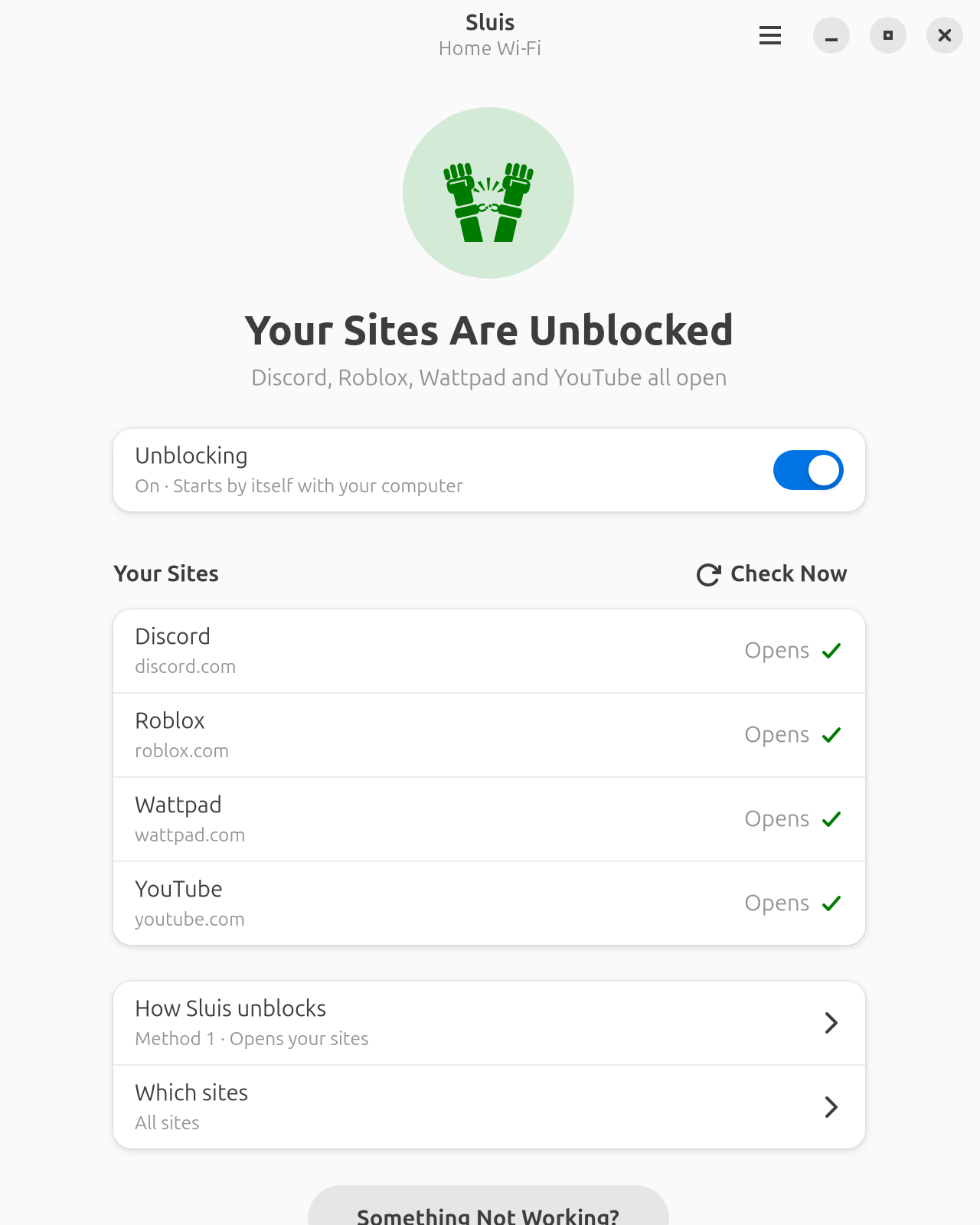
If Discord, YouTube or another site won't open because your internet provider blocks it, Sluis finds a way around the block on your own connection. It isn't a VPN, so your internet stays as fast as it is, and nobody else sees what you do. It's free.
Download
Pick the one for your system.
- Download for Ubuntu 25.04 or newer, Debian 13 or newer (.deb)
- Download for Fedora 44 or newer (.rpm)
Older versions, and systems built on them like Linux Mint 22, can't run Sluis yet: it needs newer parts of GNOME than they have.
Open the file you downloaded. Your Software app opens it; click Install and type your password. Sluis then shows up in your apps.
You need the GNOME desktop or something close to it. Sluis is in English and Turkish.
First run
Open Sluis and click Get Started. It sets up Zapret, the tool that does the actual unblocking, and asks which sites don't open for you. Finding a way around usually takes about a minute.
The user guide covers the rest, including what to do when a site still won't open.
Help
Something not working? Report it here. Say which sites don't open, who your internet provider is, and what Sluis shows.